



Level Up The
Way You Play
Experience Online Gaming At Its Finest
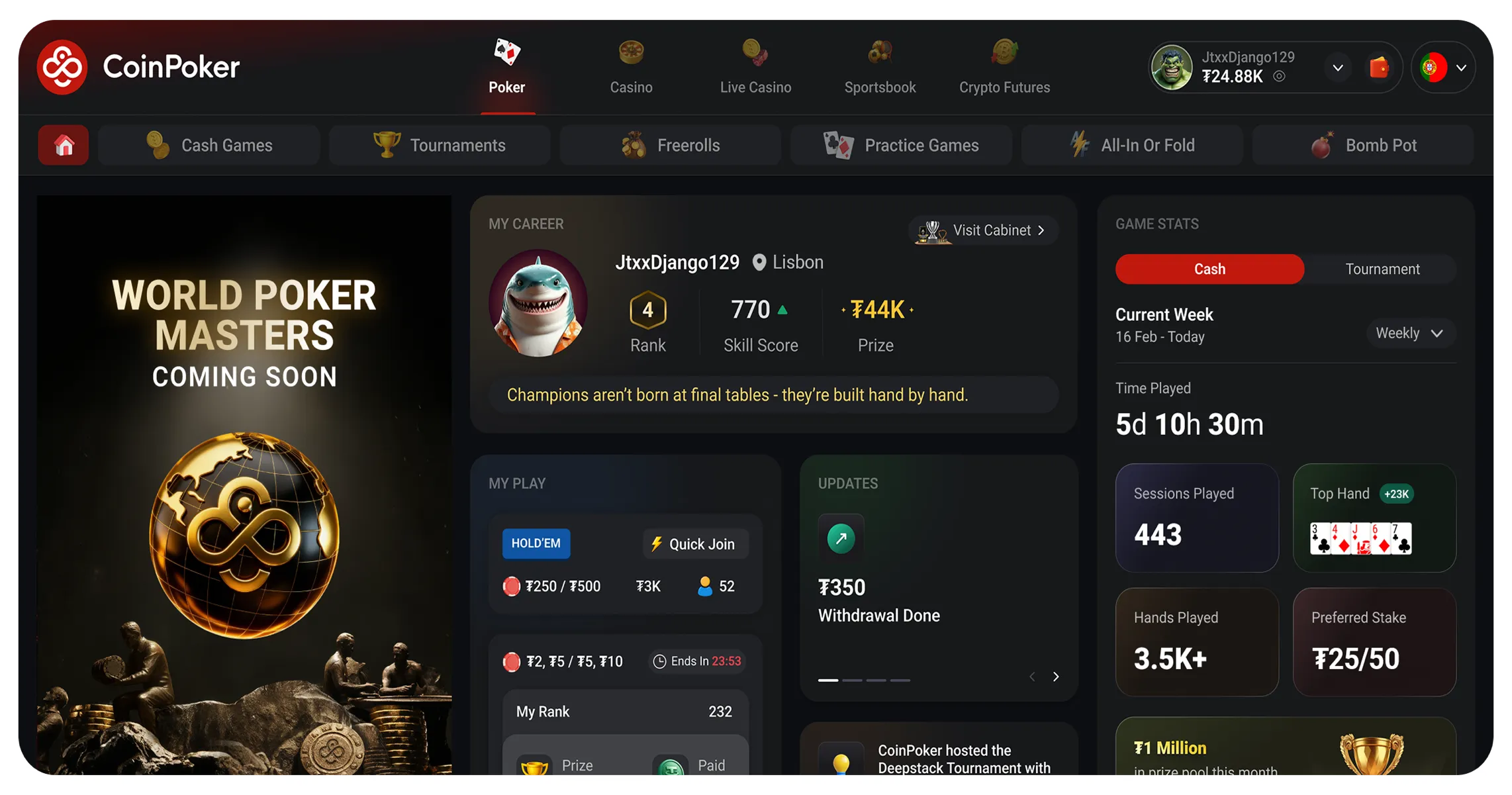
System Requirements

Windows
Operating System
Windows 10 or later recommended
Processor
Intel Core i3 or equivalent (Intel Core i5, 10th Gen or later recommended)
Memory
8 GB RAM (16 GB or more recommended)
Storage
20 GB of available storage (30 GB or more recommended)
Download for Windows

macOS (Apple silicon)
Operating System
macOS 10 or later recommended
Processor
Supports all Mac processors
Memory
8 GB RAM (16 GB or more recommended)
Storage
20 GB of available storage (30 GB or more recommended)
Download for macOS Apple Silicon

Android OS
Operating System
Android 10 or later recommended
Memory
4 GB RAM (8 GB or more recommended)
Storage
500 MB of available storage (2 GB or more recommended)
Download Now
iOS
Operating System
iOS 15 or later recommended
Memory
2 GB RAM (3 GB or more recommended)
Storage
500 MB of available storage (2 GB or more recommended)
Download Now
How To Install CoinPoker On Your Device
 Download the CoinPoker .dmg file from the download link above
  Open the downloaded file and drag CoinPoker to your Applications folder
  Launch CoinPoker from the Applications folder
  If macOS blocks the app, go to System Settings → Privacy & Security and click "Open Anyway". Enter your administrator password
  Create your account or log in and start playing
Download the CoinPoker installer from the download link above
Open the downloaded .exe file and follow the installation instructions
Allow the app through Windows Defender if prompted
Launch CoinPoker and create your account or log in
Make your first deposit and start playing
Create your account or log in and start playing
Download the CoinPoker installer from the download link above
Open the downloaded .exe file and follow the installation instructions
Allow the app through Windows Defender if prompted
Launch CoinPoker and create your account or log in
Make your first deposit and start playing