



Download The App
If you’re seeing this page, it means that your download will start in a few seconds! Thank you for downloading CoinPoker.




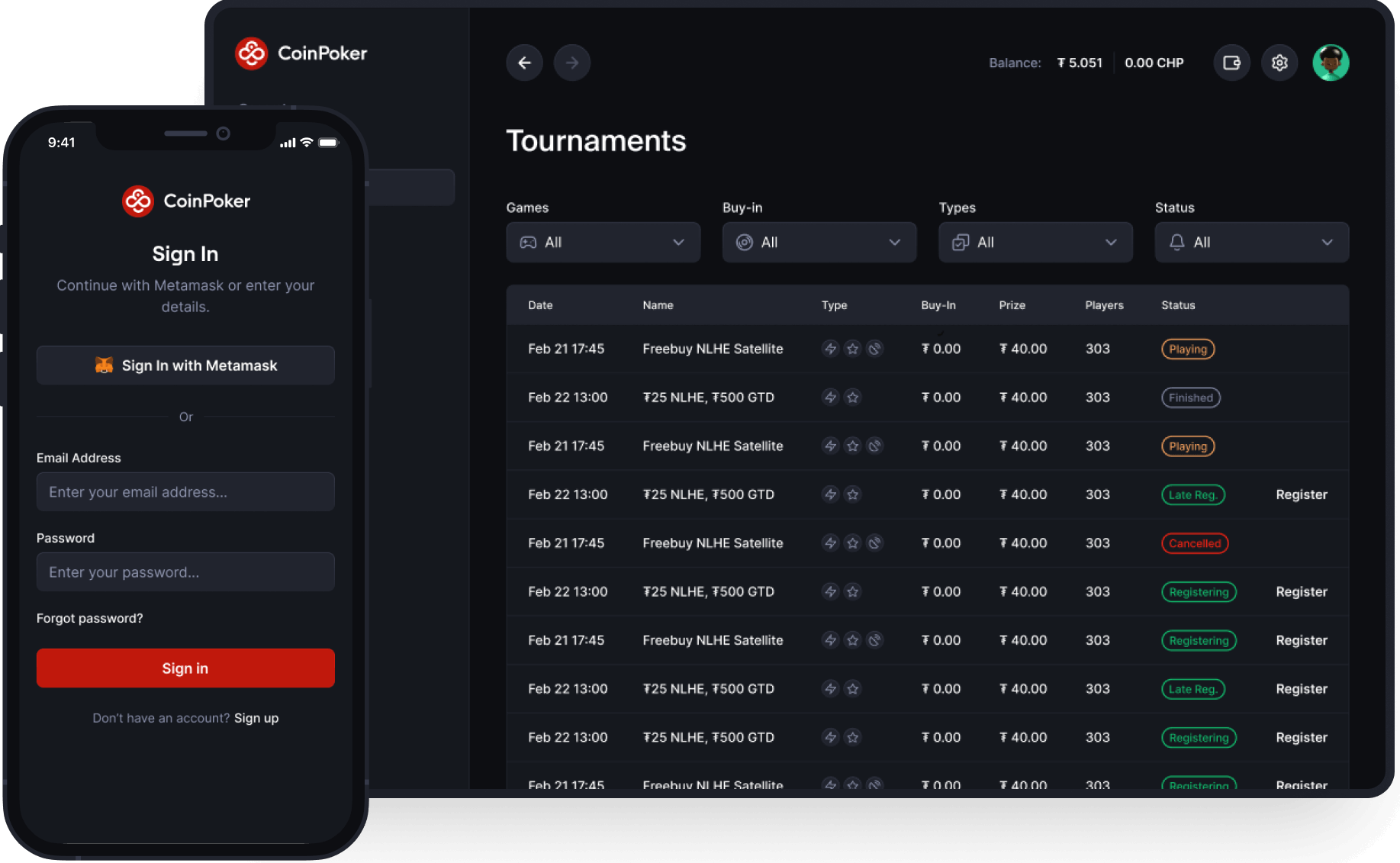
Instructions
The CoinPoker app is available on desktop for both Windows and macOS, plus mobile users on Android or iOS devices like iPhone or iPad.
1. Select Operating System: Select the correct operating system and download the CoinPoker app.
2. Download the App: Select the download button below
3. Install the App: Select your installation location and install the app.
4. Open the App: Open the CoinPoker app and login using your username and password.
5. More Information: For any help with how to get set up on Windows, learn how to install CoinPoker on Windows, or contact us.
1. Select Operating System: Select the correct operating system and download the CoinPoker app.
2. Download the App: Double click the app in your downloads. You may see
“CoinPoker.dmg could not be installed”. Click done. You’ll need to allow the app in System Settings.
3. Allow the App in System Settings: Go to System Settings > Privacy &
Security, then scroll down to Security. Click Open Anyway and enter your Mac
administrator password.
4. Install the App: Select your installation location and install the app.
5. Open the App: Open the CoinPoker app and logic using your username and password.
6. More Information: OFor any help with how to get set up on Mac, learn how to install CoinPoker on Mac, or contact us.
1. Select Operating System: Select the correct operating system and download the
CoinPoker app.
2. Download the App: Select the download button below
3. Install the App: Select your installation location and install the app.
4. Open the App: Open the CoinPoker app and login using your username and password.
5. More Information: For any help with how to get set up on Android, contact us.
How to Play on CoinPoker With Your iOS or Android
Quickly join us and our players from your browser, without having to download any software. With our new platform, play on iOS or Android instantly.
Here’s how to get play with browsers like Chrome, Safari, or Firefox.

Visit CoinPoker
Click the button below to register on your iOS or Android. Enter a few details, and head to the next step.
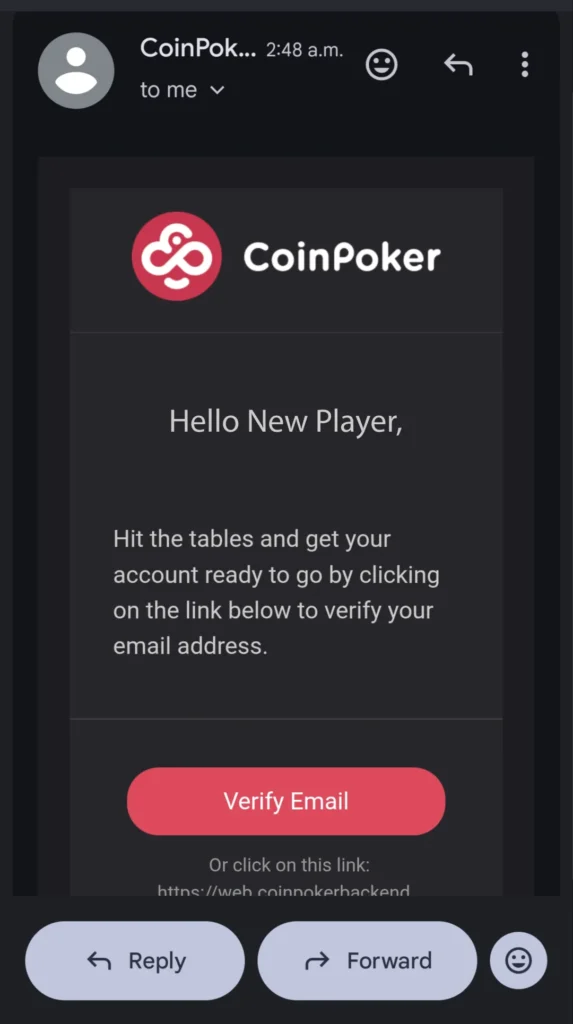
Confirm Your Account
Check your inbox and confirm your email address to be a fully fledged CoinPoker member.

Choose Poker Games
Browse our tournaments or cash games and enjoy everything we’ve got to offer.
How to Play on CoinPoker With Your Desktop PC
On Mac and Windows computers, download the CoinPoker app for the full online poker experience and extra control.
Follow the steps below and you’ll be ready to play in minutes.

Download & Register
At the top of this page, select your operating system and begin the CoinPoker app download. Once the download is complete, install the app on your device and register.

Make Your First Deposit
Make a deposit using bank cards or crypto, so that you can enter real money games on CoinPoker.

Start Playing Now!
Now you’re ready to play! Check out the lobby for your favourite poker games.